
How to Make a Real Estate TikTok From Listing Photos (No Filming)
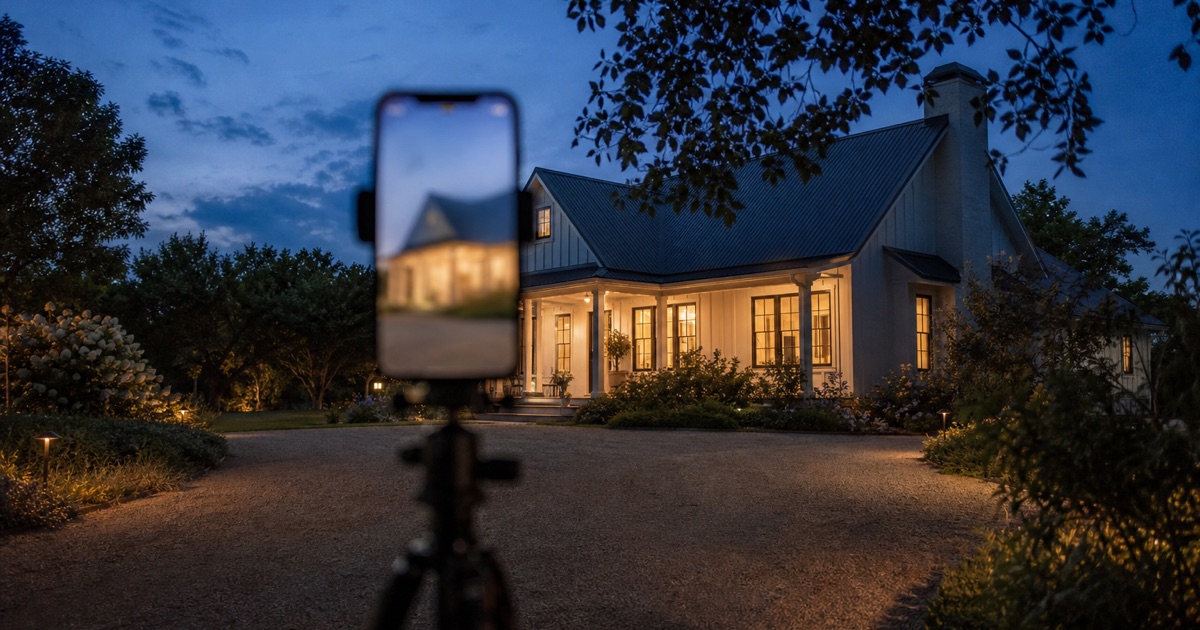
You don't need a camera, a tripod, or a free evening to make a real estate TikTok. Upload the listing photos you already have to HomeReel, pick a motion style, and it renders a vertical video with camera movement, transitions, and music built in. No filming, no editing software, no walking the property twice.
How Do I Make a Real Estate TikTok From Photos?
Upload 3 to 20 listing photos to an AI video tool, choose a motion style like Walkthrough or Pan Around, and let it generate a vertical 9:16 video with movement and pacing. Add a hook line, a short caption, and trending audio inside TikTok, then post. The whole process takes minutes, not hours, because there's no filming or manual editing step.
This matters because most listing photos already exist. Every agent has a folder of MLS-ready stills sitting on their phone or in a photographer's delivery link. The gap has never been photo quality, it's been turning static images into something that moves, holds attention, and fits the platform. That's the part software does now.
TikTok's Format Rules for Real Estate Video
TikTok has specific technical and behavioral expectations, and ignoring them is the fastest way for a good listing to get zero views. Three things matter most: the shape of the video, the first second, and the length.
Vertical 9:16, Always
TikTok is a full-screen vertical app. A horizontal video gets pillarboxed with black bars on both sides, which reads as low-effort and gets scrolled past faster. Every video you post should be shot or generated in 9:16 from the start, not cropped after the fact. HomeReel's output is vertical HD by default, so this isn't an extra step, it's just how the file comes out.
The Hook Has to Land in the First Second
TikTok's algorithm tracks whether a viewer keeps watching in the opening moments, and it distributes based on that signal. Open on your strongest shot, never a title card or a slow fade-in. If the first frame doesn't earn the next three seconds, the rest of the video doesn't matter.
15 to 60 Seconds Is the Sweet Spot
A full walkthrough of every room runs long and loses momentum. A tight highlight reel, roughly 15 to 30 seconds for a quick teaser or up to 60 seconds for a fuller tour, keeps pacing high without asking for more attention than a scroll-happy audience will give. Pick the 5 to 8 photos that do the most visual work and let the rest go.
From Photos to Reel: The HomeReel Workflow
The process is the same whether you're starting from photos you uploaded yourself or a link. This is the photos-first path.
- Upload 3-20 listing photos. Pull from your phone, your photographer's delivery folder, or the MLS export. No minimum quality bar beyond what you'd already use for a listing.
- Pick your best 5-8 for the reel. Lead with the exterior or the room that photographs strongest. Save the smaller spaces for the back half.
- Choose a motion style. Walkthrough moves through the space like a guided tour. Pan Around glides across a room's details for a more editorial feel. Stage It runs AI virtual staging on empty rooms and animates the furnished result, which is the option for a vacant listing that would otherwise feel cold on camera.
- Let it render. The video assembles with movement, pacing, and transitions between shots automatically.
- Download and post. The file comes out as vertical HD, ready for TikTok, Instagram Reels, or YouTube Shorts without re-exporting.
If the listing is already live on Zillow, Redfin, or Realtor.com, you can skip the upload step entirely and paste the listing link instead, HomeReel pulls the photos automatically. We cover that exact link-to-post workflow in our Zillow-to-TikTok guide if that's your starting point. Try HomeReel free on your current listing to see a render before you commit to a full posting cadence.
Caption and Hook Patterns That Work for Listings
These are proven formats, not guaranteed outcomes, format choice affects how a video performs but results still vary by market, listing, and posting consistency. Treat them as a starting menu, not a script.
- The price-reveal hook. Open on the property without stating the price, then land it as on-screen text a few seconds in: "Guess the price... it's $X." Curiosity about the number keeps people watching past the open.
- "What $X gets you in [city]." A direct, searchable hook that works as both the spoken or on-screen line and the caption. It also doubles as a local-market signal for anyone scrolling from that area.
- Room-by-room countdown. "3 things this kitchen has that yours doesn't" or "5 rooms, ranked." A countdown format gives the video built-in structure and a reason to watch to the end.
- The direct question caption. Close the caption with something answerable in a comment: "Dealbreaker or dream home?" Comments are a strong distribution signal on TikTok, and a specific question gets more replies than a generic one.
- The local flex. Lean into the neighborhood or city by name in both the hook and caption. A listing video's real audience is people who can actually buy there, and naming the area filters for exactly that viewer.
Whichever hook you use, keep the caption itself short. The video and the on-screen text do the selling, the caption's job is one line plus a call to action, not a full property description.
Posting Cadence: Consistency Over Virality
The agents who build a real following on TikTok aren't chasing a single viral clip, they're posting a video for every listing, every time, without exception. One video is a lottery ticket. A video per listing for six months is a content library that compounds, because each post is a chance for the algorithm to find the right local viewer, and each miss costs nothing since the next listing is already queued behind it.
A workable cadence for most agents is one video per active listing, posted within a day or two of it going live, plus a light rotation of market-update or behind-the-scenes content between listings to keep the account active. The listing videos do the selling. The in-between content keeps the account from going quiet, which matters because TikTok favors accounts that post regularly over accounts that post once and disappear.
The reason this is realistic now is speed. When a listing video took an evening in editing software, posting one per listing was a real time cost few agents could sustain. When it takes a few minutes because the photos already exist and the software handles the rest, consistency stops being the hard part.
Where This Fits With Your Other Channels
The same vertical file you make for TikTok posts natively to Instagram Reels and YouTube Shorts without changes, and most MLS systems now accept video uploads too, see can you use AI video on the MLS for the specifics. One render, several placements. If you're weighing where to focus first, our post on where to post your listing video breaks down the tradeoffs by platform.
For agents comparing tools before committing to a workflow, our roundup of the best tools to turn real estate photos into video covers the landscape, and pricing has the current plans if you want to see what a monthly cadence costs at scale.
The Bottom Line
A real estate TikTok doesn't require filming. It requires the photos you already have, a vertical format, a hook that lands in the first second, and a caption that invites a comment. The tool that turns photos into that video in minutes is what makes posting for every listing realistic instead of aspirational.
Consistency beats virality. Post a video for every listing and let the algorithm find the right viewer over time, not on the first try.
Frequently asked questions
Your first listing video is free. No editing skills, no videographer.
Try HomeReel Free